Choose the record
Know which transcript answers what.
GET THE RECORD. UNDERSTAND THE ACCOUNT.
Choose the right IRS record, get it online or by request, and turn the raw transcript into a clearer account view.
Brevitax organizes transcript data into balances by year, notices, payment and filing activity, readable timelines, and open items that may need attention.
7-day trial · card required · cancel anytime. IRS record timing depends on the request method.
Already have transcript PDFs? Upload them and start with the records you have.
Reviewed August 2026 · Joseph Lancaster, Founder
Know which transcript answers what.
Use IRS.gov or a supported request.
Turn codes into a readable history.
Find balances and open questions.
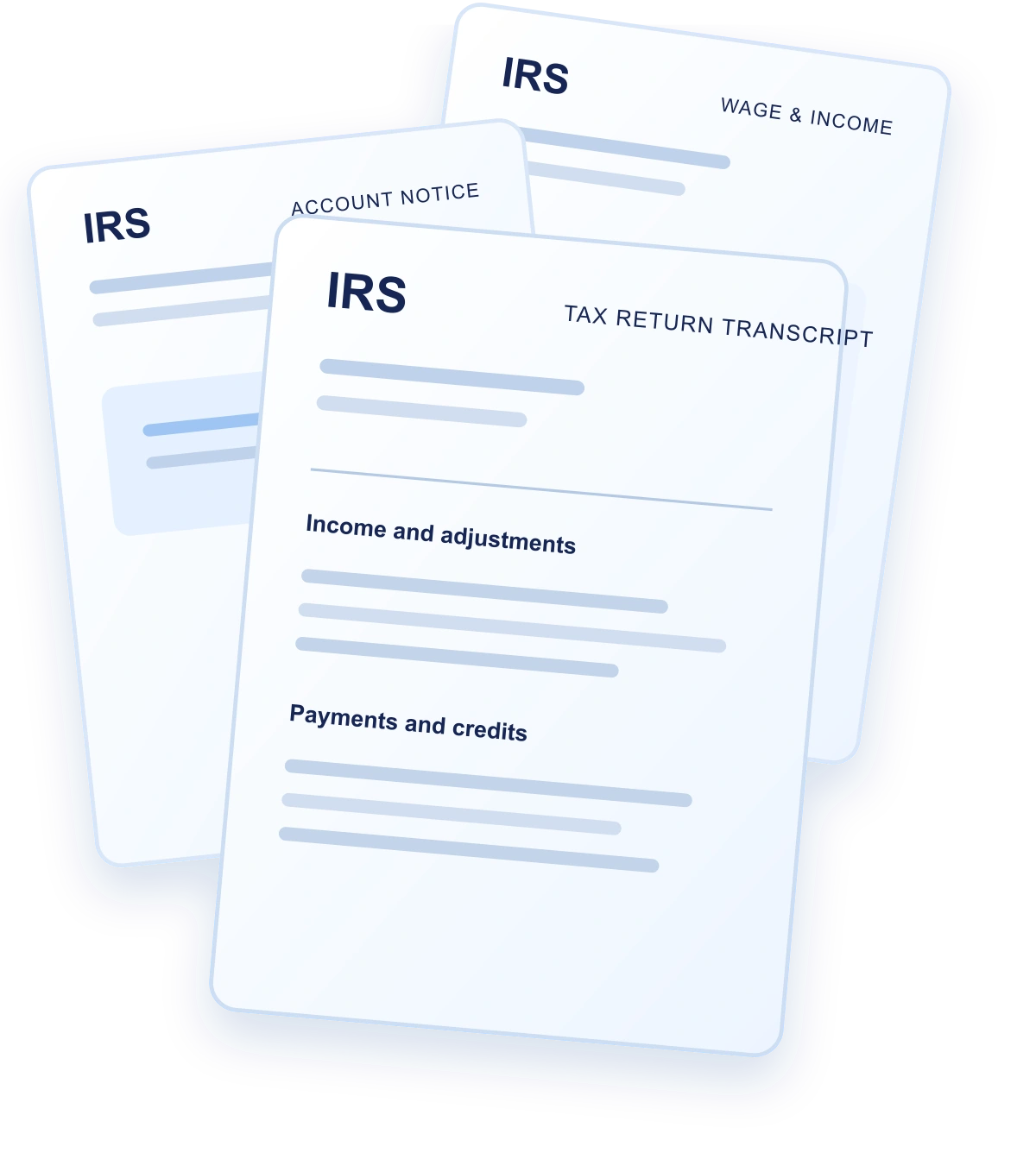
“Tax transcript” can mean several different records. Choose the transcript based on the question you need to answer rather than downloading one PDF and assuming it contains everything.
For balances and posting history, the account transcript is usually the starting point. Return and wage and income transcripts serve different purposes.
The IRS provides transcripts at no charge. Many taxpayers can download available records through an IRS Online Account after completing identity verification. Mail and authorized-request options are also available.
Brevitax can work with transcript PDFs you already downloaded. Supported plans may also help request records after the required authorization is completed.
Go to the official IRS “Get Transcript” service, sign in to your IRS Online Account, and complete the required identity steps. Select the reason for the request, choose the transcript type and year, then download the PDF securely.
Save each file with a clear year and transcript-type name. If several tax years may be involved, download the same record type for each relevant period so the account can be reviewed consistently.
Identity verification, address mismatches, unavailable years, or account-access problems can block an online download. That does not mean the records do not exist.
Depending on the record and situation, you may use an IRS mail request, submit the applicable transcript request form using current IRS instructions, call the IRS, or work through an authorized professional. Delivery times vary by method and IRS processing.
Raw transcripts contain transaction codes, posting dates, cycle information, account modules, and abbreviated descriptions. Read each record in sequence and keep the source document available when interpreting a summary.
Look for processed returns, assessments, payments, credits, adjustments, notices, and collection-related events. A code should be interpreted in the context of the full account and tax year—not as a standalone conclusion.
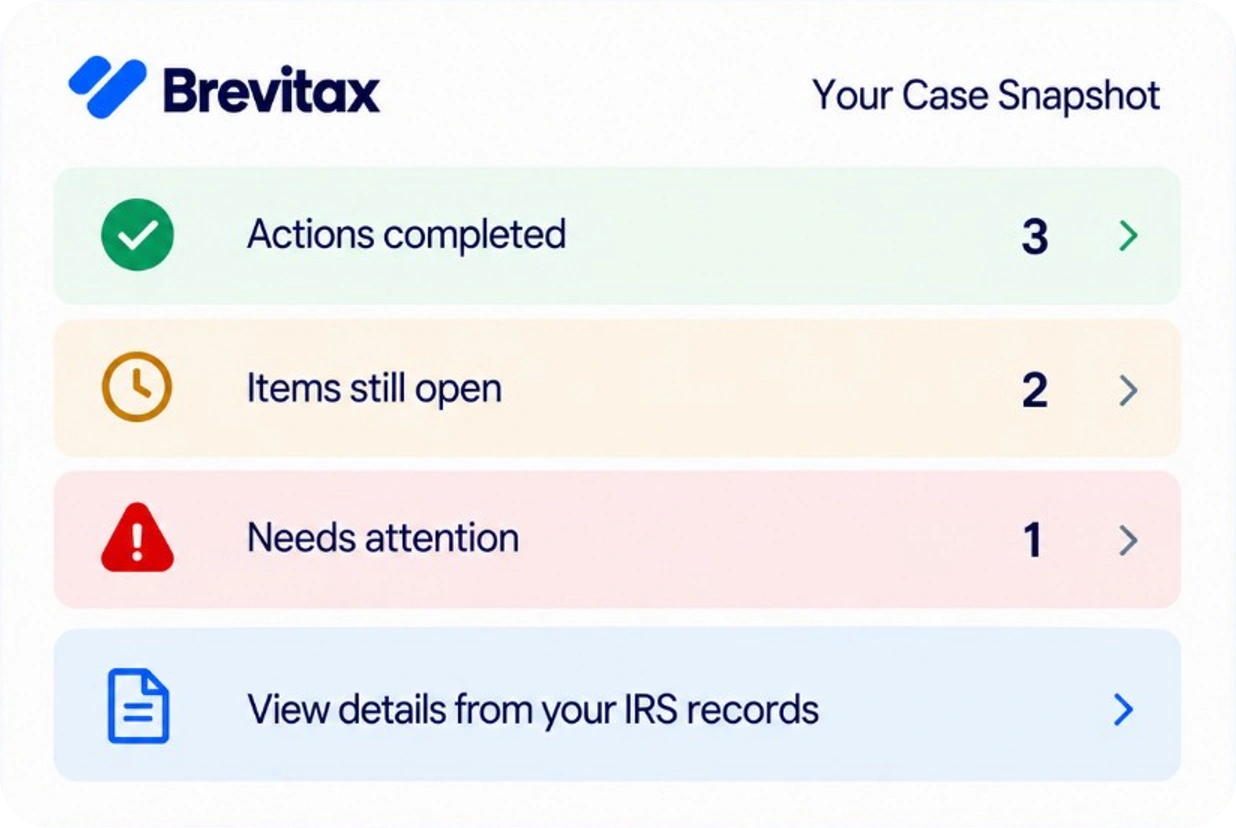
Brevitax organizes transcript data across years and translates the posting sequence into balances, timelines, notices, and clearer open items. The original IRS records remain the authority behind the account view.
That means getting the PDF is not the end of the process. You can use the organized record to understand what happened, prepare questions, compare later transcripts, or give a tax professional a better starting point.
Brevitax is software that helps taxpayers organize and understand IRS account information. It is not a tax relief or debt settlement service and does not represent taxpayers before the IRS.
Use the official IRS Get Transcript service, sign in to your IRS Online Account through the required identity-verification process, select the transcript type and year, and download the available PDF.
An account transcript is generally the starting point for balances and posting history for a specific tax period. Review all relevant years rather than relying on one period.
Yes. The IRS provides transcripts without a government fee. Brevitax charges for software and optional services that organize, explain, or help obtain the records—not for the government transcript itself.
Online records may be available immediately after successful account access. Mail, form, authorized, and assisted requests depend on the method, record availability, and IRS processing time.
Yes. Brevitax can organize supported transcript PDFs you already obtained and turn the record into a clearer account view by year.
Organize the records by tax year and see balances, payments, filings, notices, and account changes in a clearer view.
Get StartedIf you received a notice or owe back taxes, begin with what the IRS has actually posted. Brevitax organizes account transcripts and explains enforcement posture before you commit to a program or firm.
Marketing pages summarize common situations. Your account may differ. Use a current transcript and, when appropriate, licensed representation before filing or agreeing to a collection alternative.