
Current IRS record
Start with a fresh account snapshot.
COMPARE THE RECORD. SEE THE CHANGE.
Compare a current IRS transcript with the prior record to see what posted, what may still be processing, and what may need follow-up.
Brevitax organizes changes across tax years so payments, filings, adjustments, notices, and collection-related activity are easier to verify over time.
7-day trial · card required · cancel anytime. Use current records for the most reliable comparison.
IRS processing times vary. A missing posting can mean pending—not necessarily failed.
Reviewed August 2026 · Joseph Lancaster, Founder
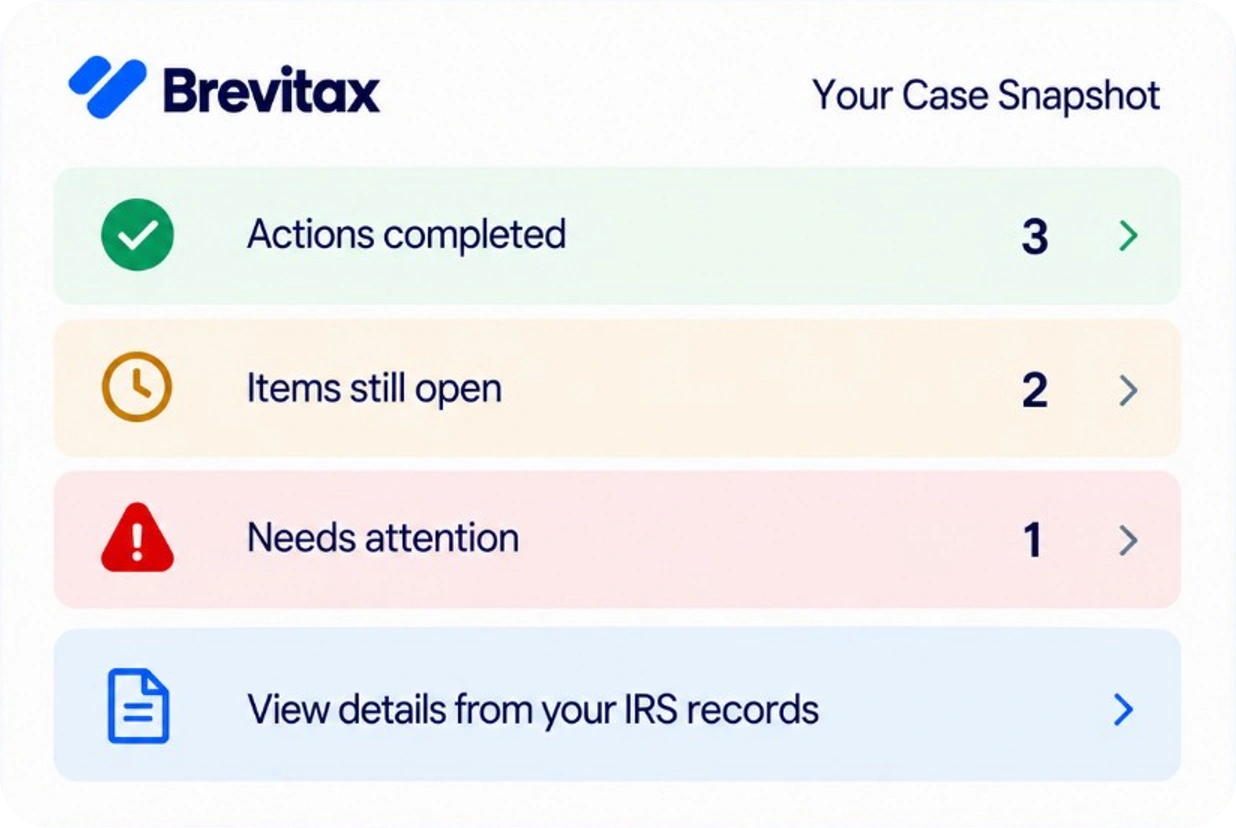
Start with a fresh account snapshot.
See what appeared since last review.
Separate timing from open work.
Know which questions remain.
The IRS does not provide one universal case-status field for every taxpayer issue. A return, payment, installment agreement, notice, collection matter, and adjustment can each have its own timeline and evidence.
To understand status, define the event you expected and identify the record that would show its result. Then compare current account activity with the earlier baseline.
A baseline is the prior IRS record you can compare with a newer one. Save transcripts with the request date, transcript type, tax year, and account so later changes can be matched correctly.
Screenshots, notices, and memory are useful context, but a prior transcript provides a stronger posting baseline. Without one, you can still review the current account—you simply may not know exactly when each older event first appeared.
Review the same transcript type and tax period side by side. Look for new transaction codes, changed balances, payments or credits, return postings, reversals, adjustments, and notice-related account events.
The comparison should preserve the sequence. A later reversal can change the meaning of an earlier posting, and activity on one tax year does not establish what happened on another.
For a payment, compare the amount, date, tax period, tax type, and confirmation with current account activity. A payment can be received yet appear on a different module than expected.
For a return, distinguish prepared, signed, submitted, received, and processed. A transcript generally helps confirm IRS account processing; it may not show a recently submitted return immediately.
Account transcripts, notices, payment behavior, and written confirmations can help evaluate whether an installment agreement or collection-related action appears reflected. Not every status is represented by one simple line.
Available transcripts may not show every current legal or enforcement fact. A levy in progress, Revenue Officer demand, missed appeal deadline, or business payroll matter can require direct IRS confirmation and qualified representation.
Brevitax organizes transcript records into a year-by-year account view and makes later changes easier to identify. Refreshing the source record can show what posted, what changed, and which expected events still do not appear.
The result is a clearer follow-up list—not a guess about IRS intent. You can use it yourself or share the organized record with a CPA, enrolled agent, or tax attorney when professional review is appropriate.
Brevitax is software that helps taxpayers organize and understand IRS account information. It is not a tax relief or debt settlement service and does not represent taxpayers before the IRS.
Identify the specific return, payment, agreement, adjustment, or collection event you are checking. Then review current IRS account records and relevant notices for the affected tax year.
Current account activity can help show whether a payment posted and which tax period received it. Compare the amount and date with your payment confirmation.
An account or return transcript may show processed return information for the year. Recently submitted returns can take time to appear, so keep filing and delivery proof.
Transcripts can contain relevant account activity, but review them with written confirmation, notices, and payment history. Not every arrangement is confirmed by one standalone code.
Refresh timing depends on the event and expected IRS processing window. A new record is useful when enough time has passed for the expected action to post or when a new notice changes the question.
Compare updated IRS records with the prior account and organize what posted, what may still be pending, and what deserves follow-up.
Check My IRS StatusIf you received a notice or owe back taxes, begin with what the IRS has actually posted. Brevitax organizes account transcripts and explains enforcement posture before you commit to a program or firm.
Marketing pages summarize common situations. Your account may differ. Use a current transcript and, when appropriate, licensed representation before filing or agreeing to a collection alternative.